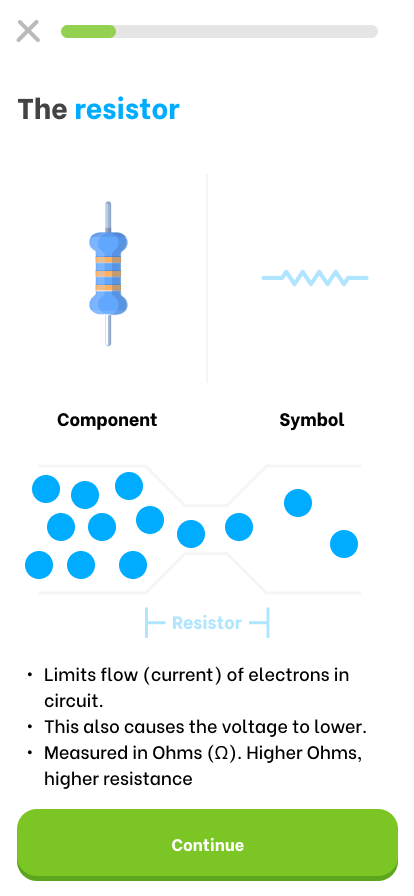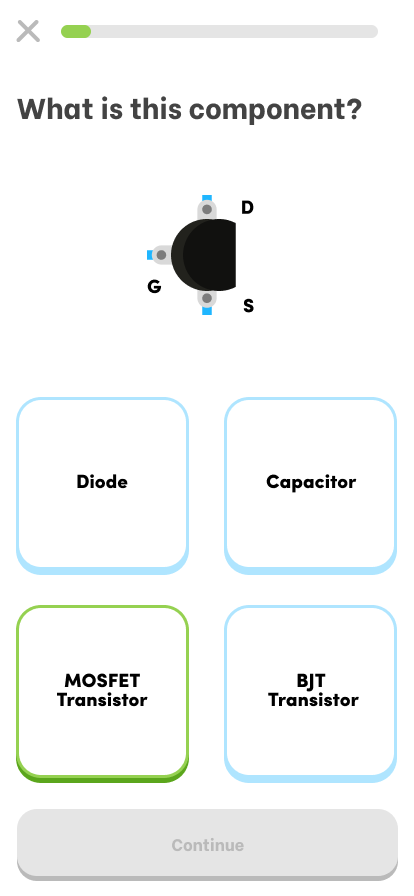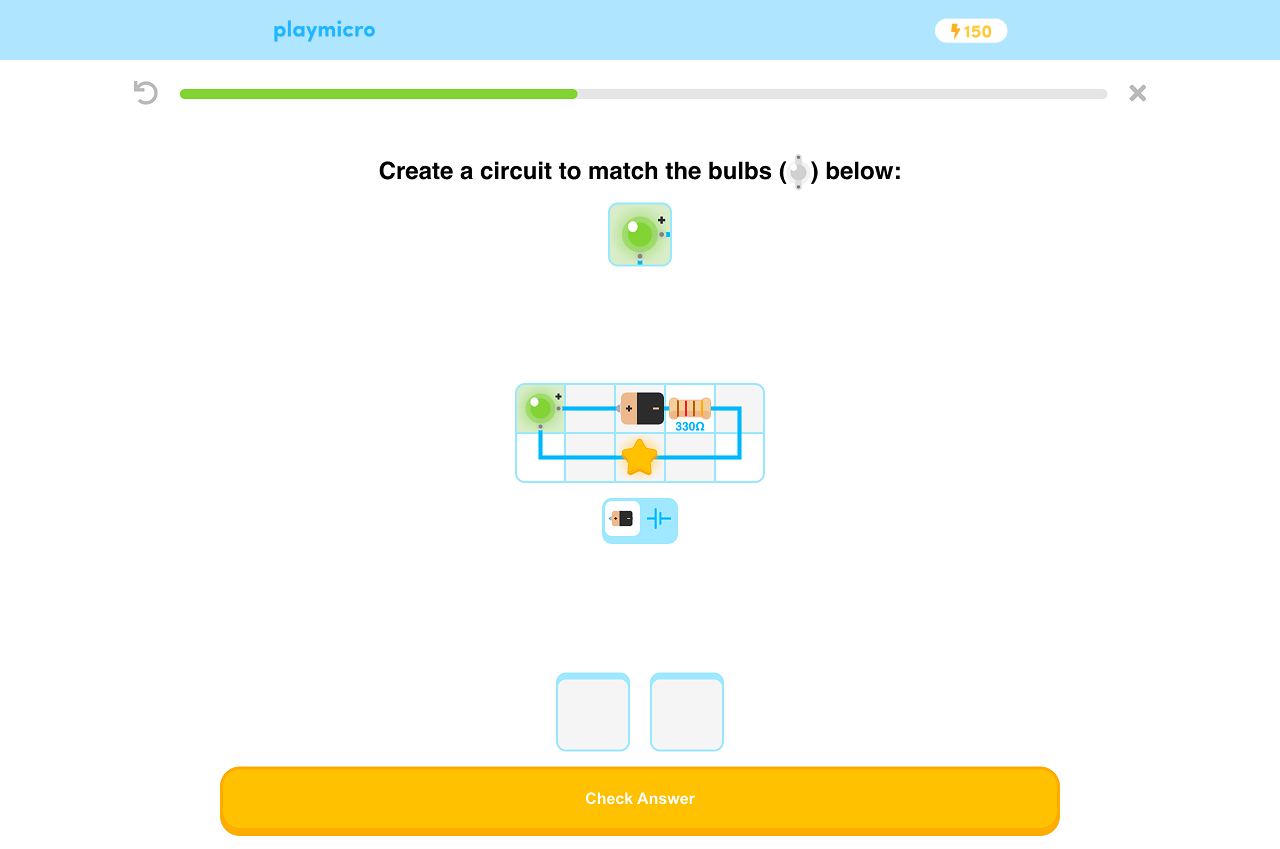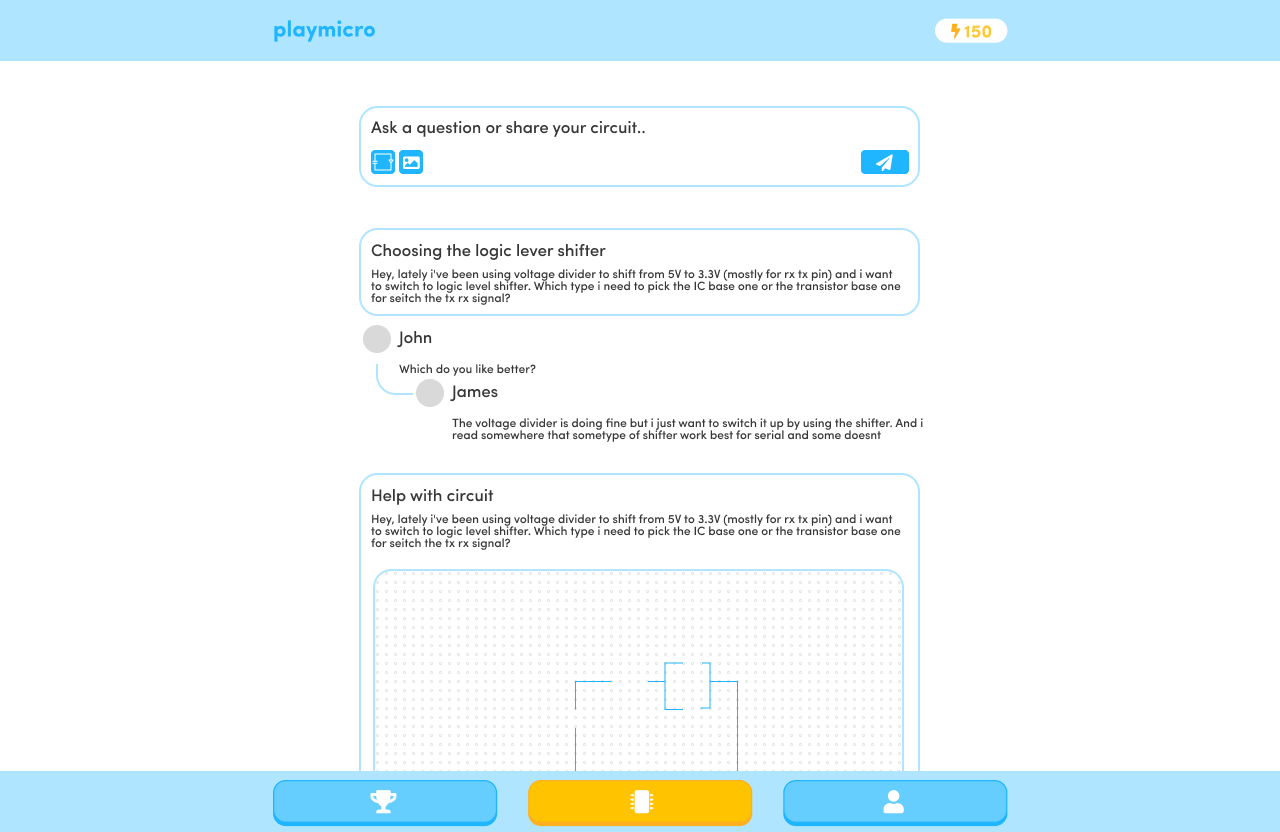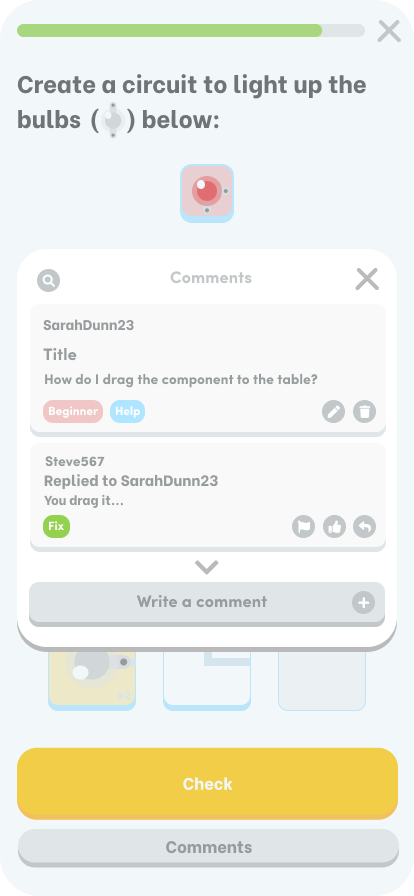
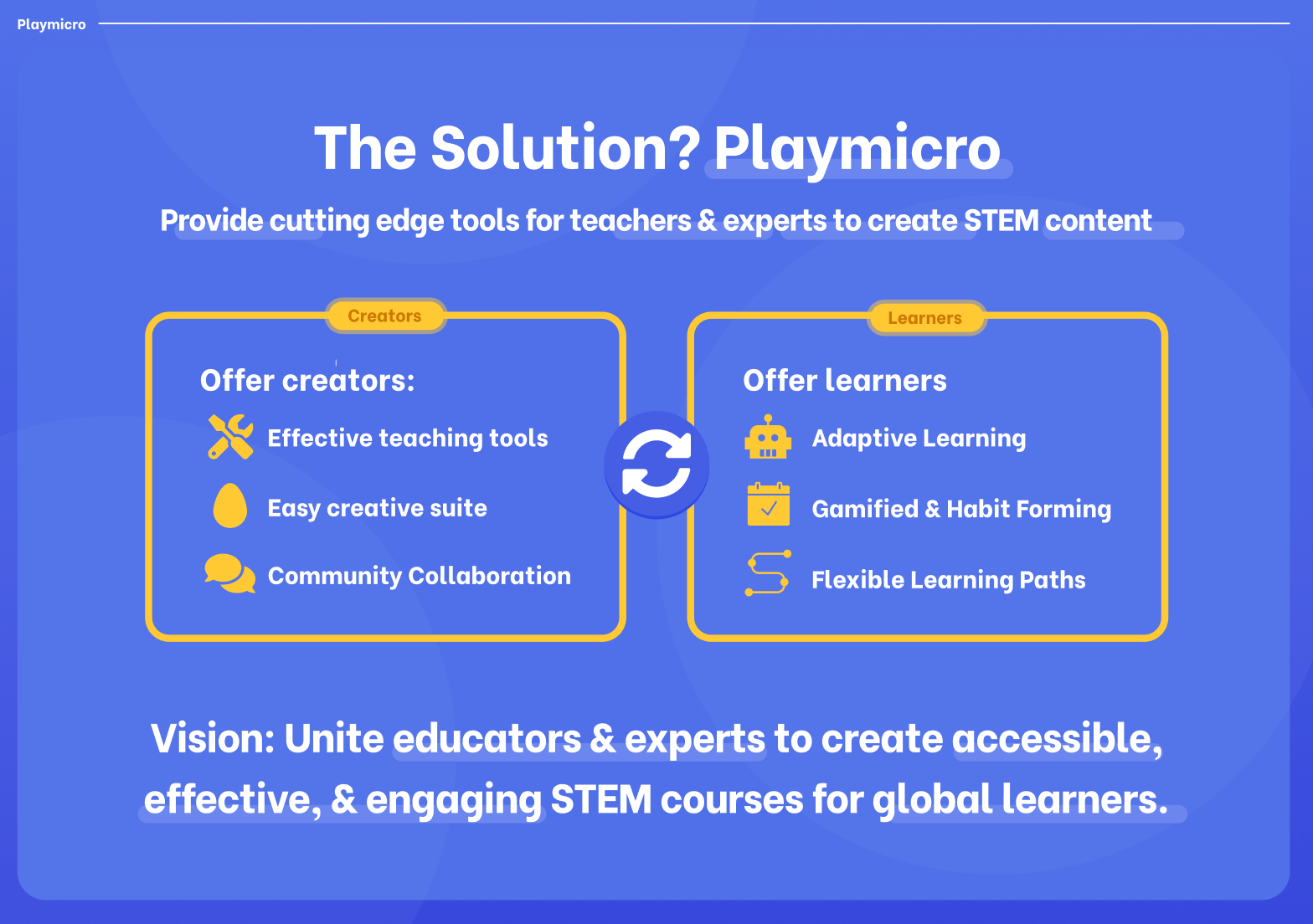
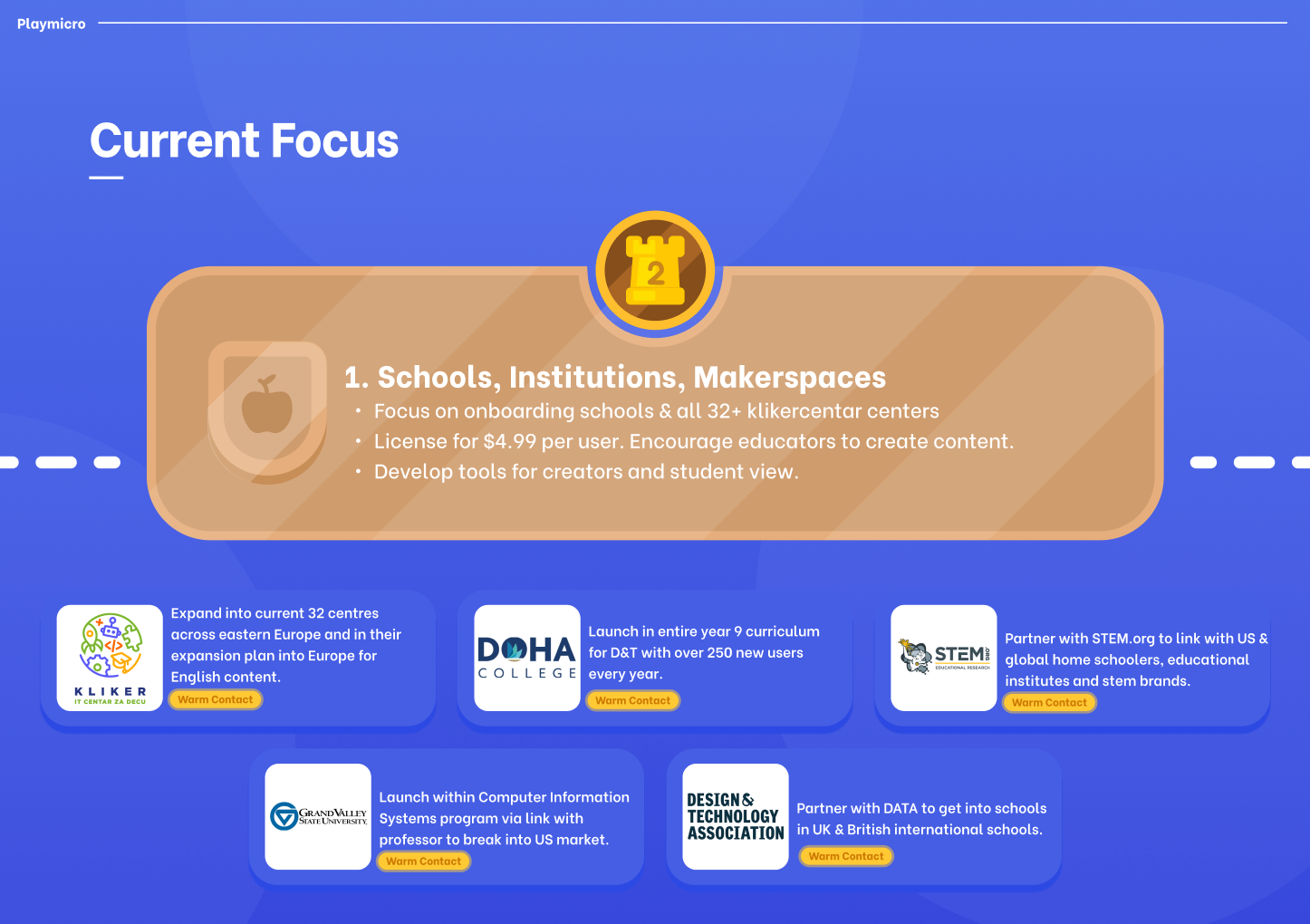
PlayMicrolabs is an engaging learning platform designed to help educators and STEM experts create engaging electronics courses. I designed the learner-facing mobile app alongside a course-building system, working with my developer partner who coded the product.
Role Timeline
Product Designer / Creative 2025
Scope
UX/UI · User Research · Wireframing · Prototyping · Interaction Design · Visual Design · Illustration · Gamification· AI Implementation
Challenge
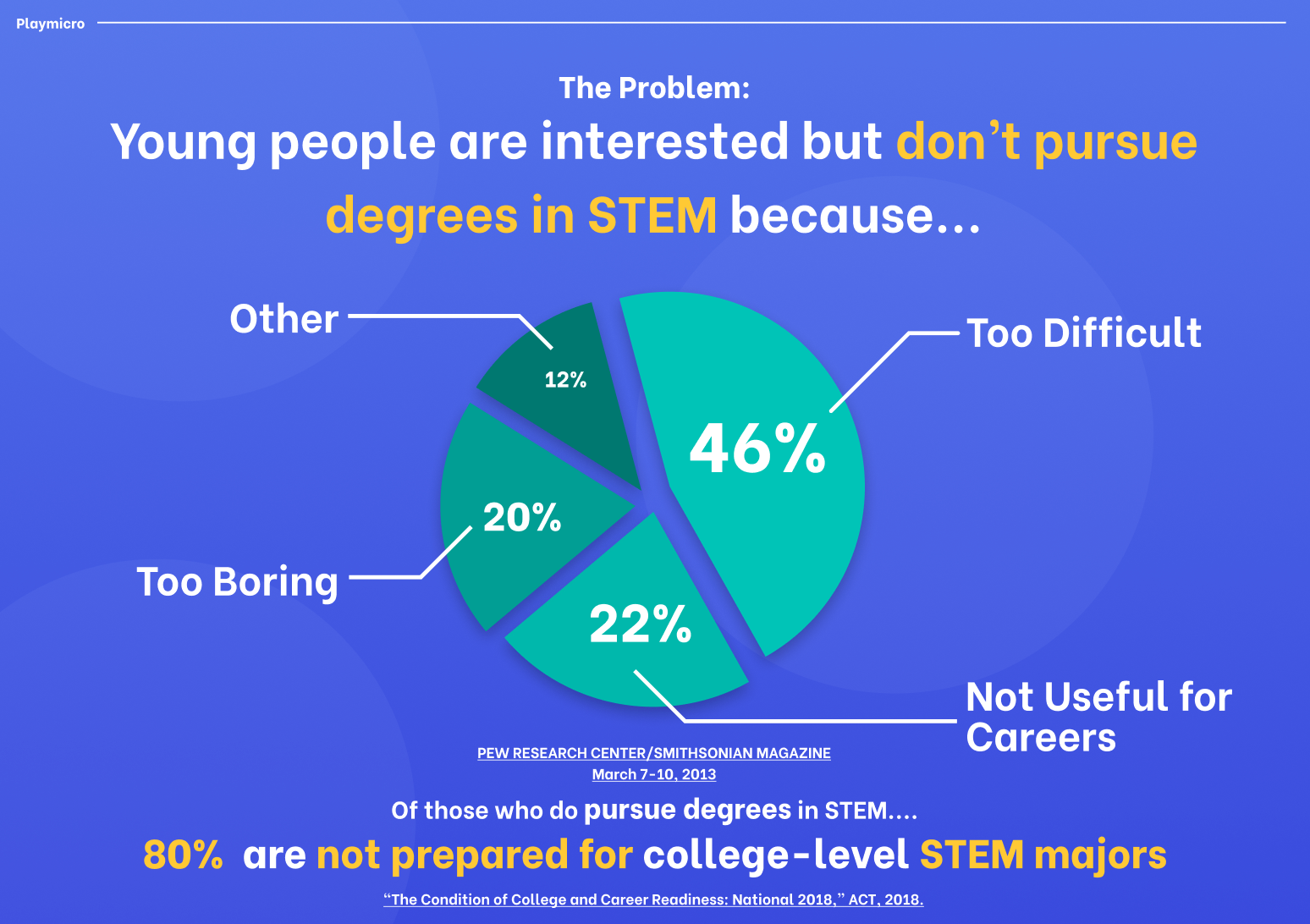
The challenge was to make learning electronics feel approachable and engaging, particularly for our younger learners, while also creating a system that enabled educators and electronics enthusiasts to build and share their own courses intuitively.
The platform needed to balance structured learning with the flexibility of an open-source course system, while encouraging users to keep learning through features such as streaks and leaderboards. I also needed to design user-friendly illustrations to accompany lessons for a more playful experience.
Wireframing
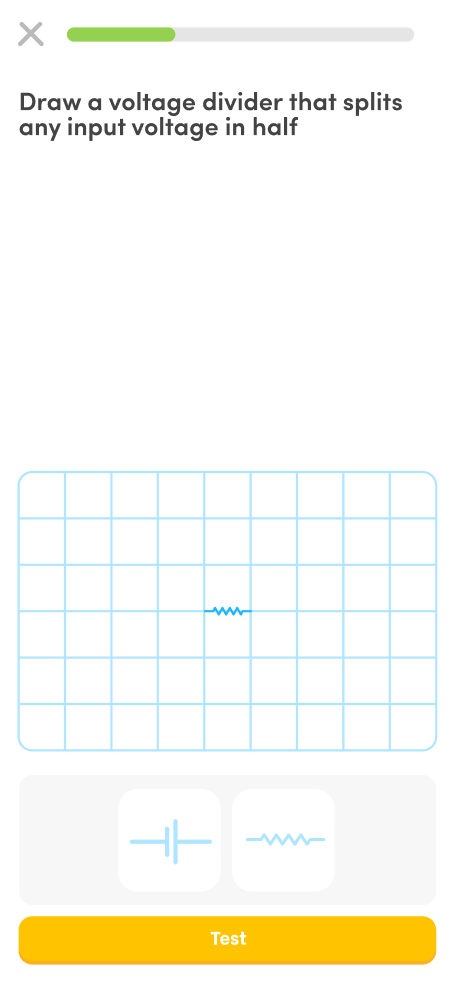
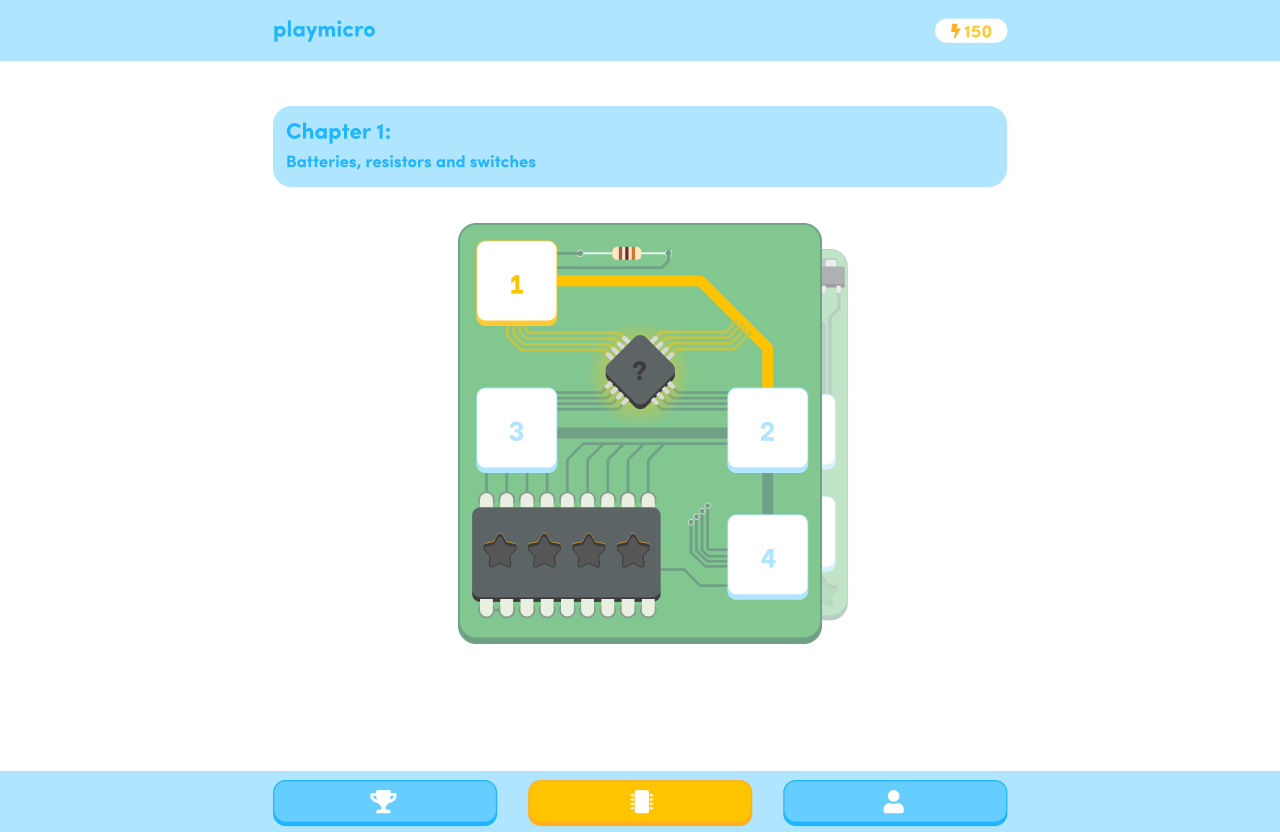
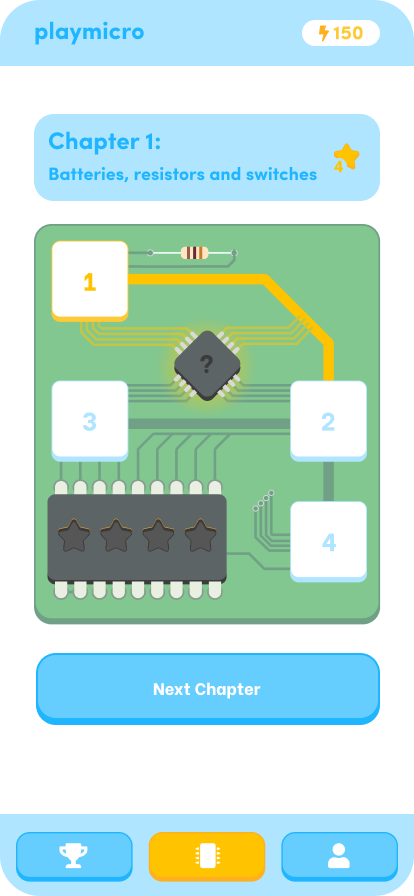
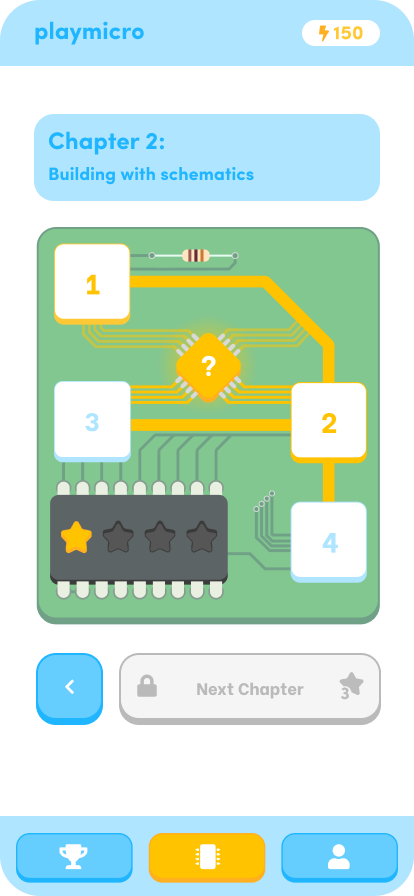
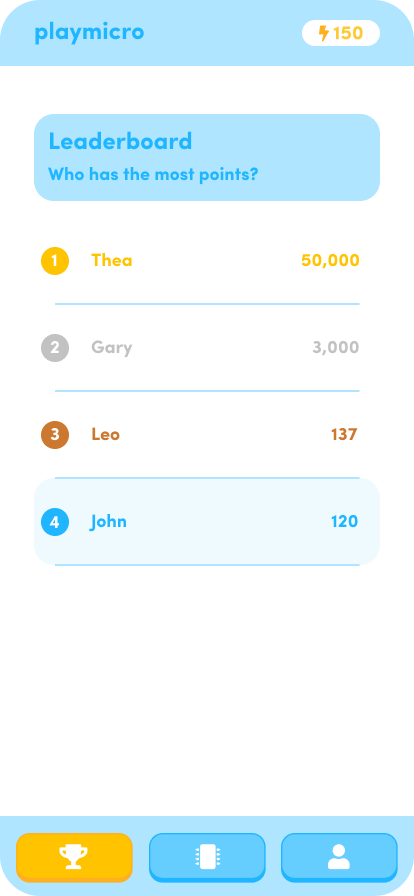
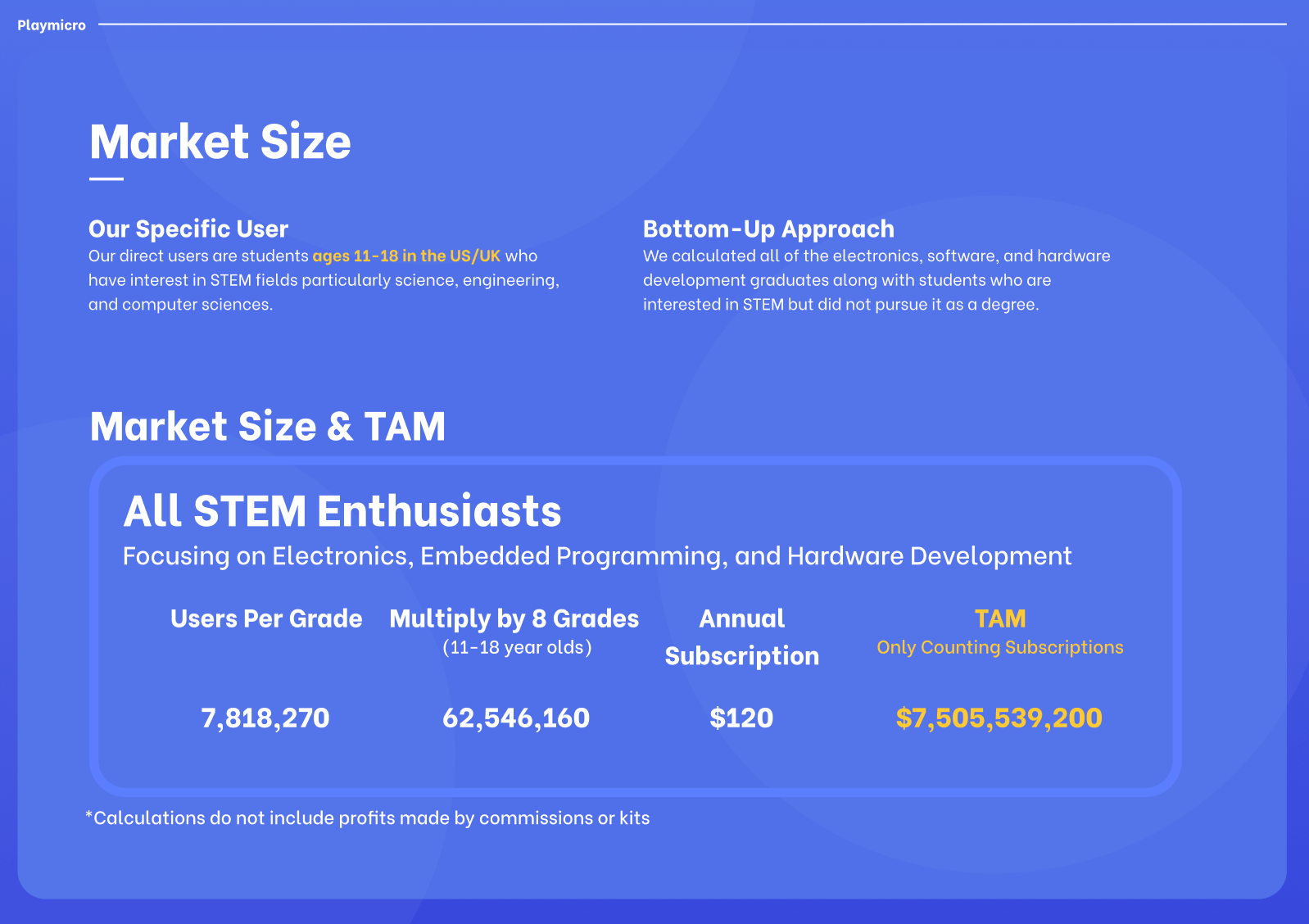
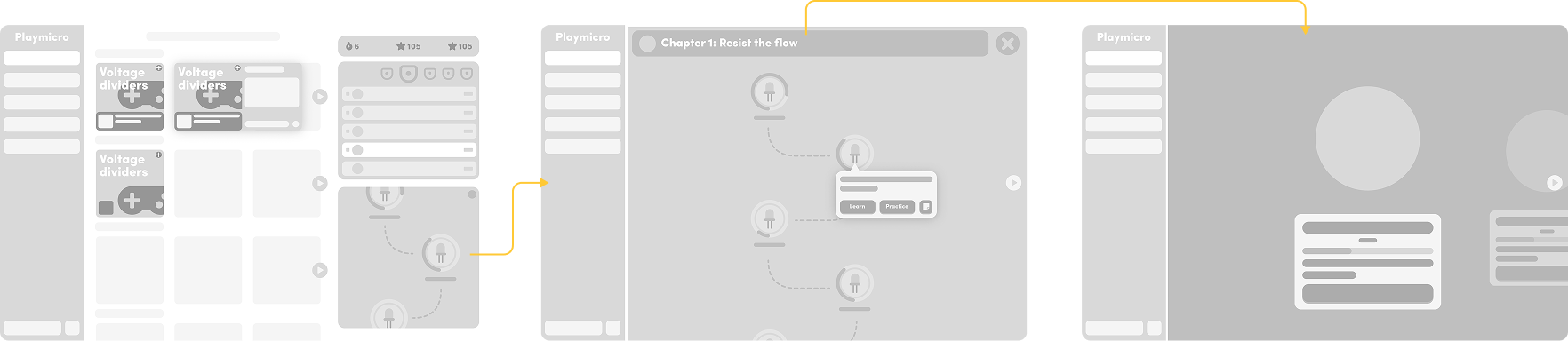
I began wireframing the platform and mapping out the overall user flow to establish a clear and intuitive experience. The homepage acts as a central hub, allowing users to explore community-created courses or, for beginners, start a community-driven guided Journey. It also brings together key features, including the leaderboard, user streaks, available courses, account settings, and access to the course builder.
AI Implementation
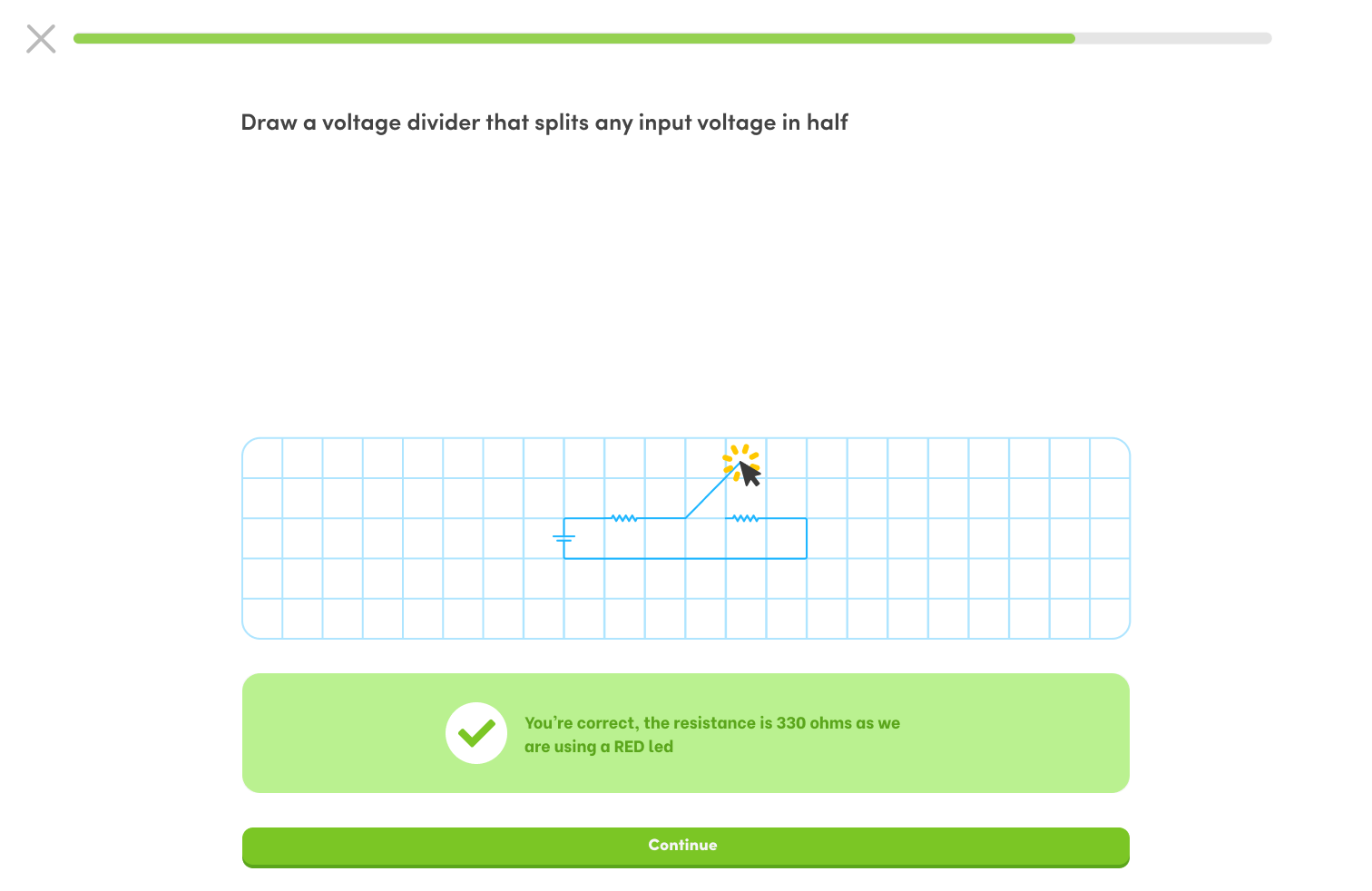
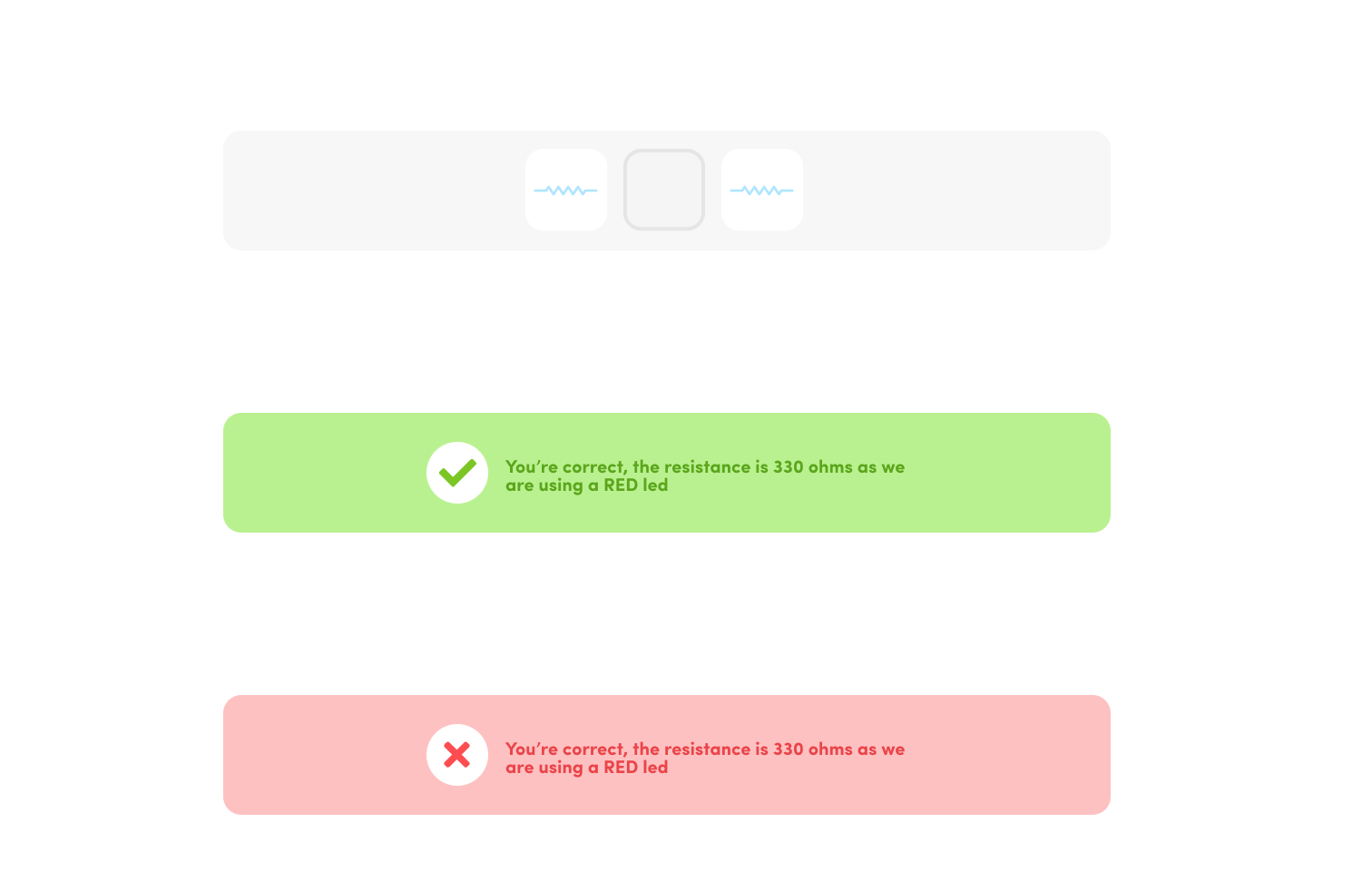
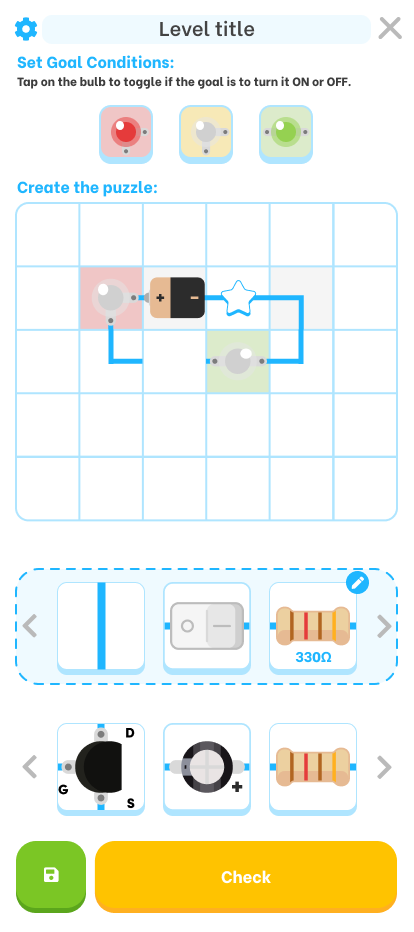
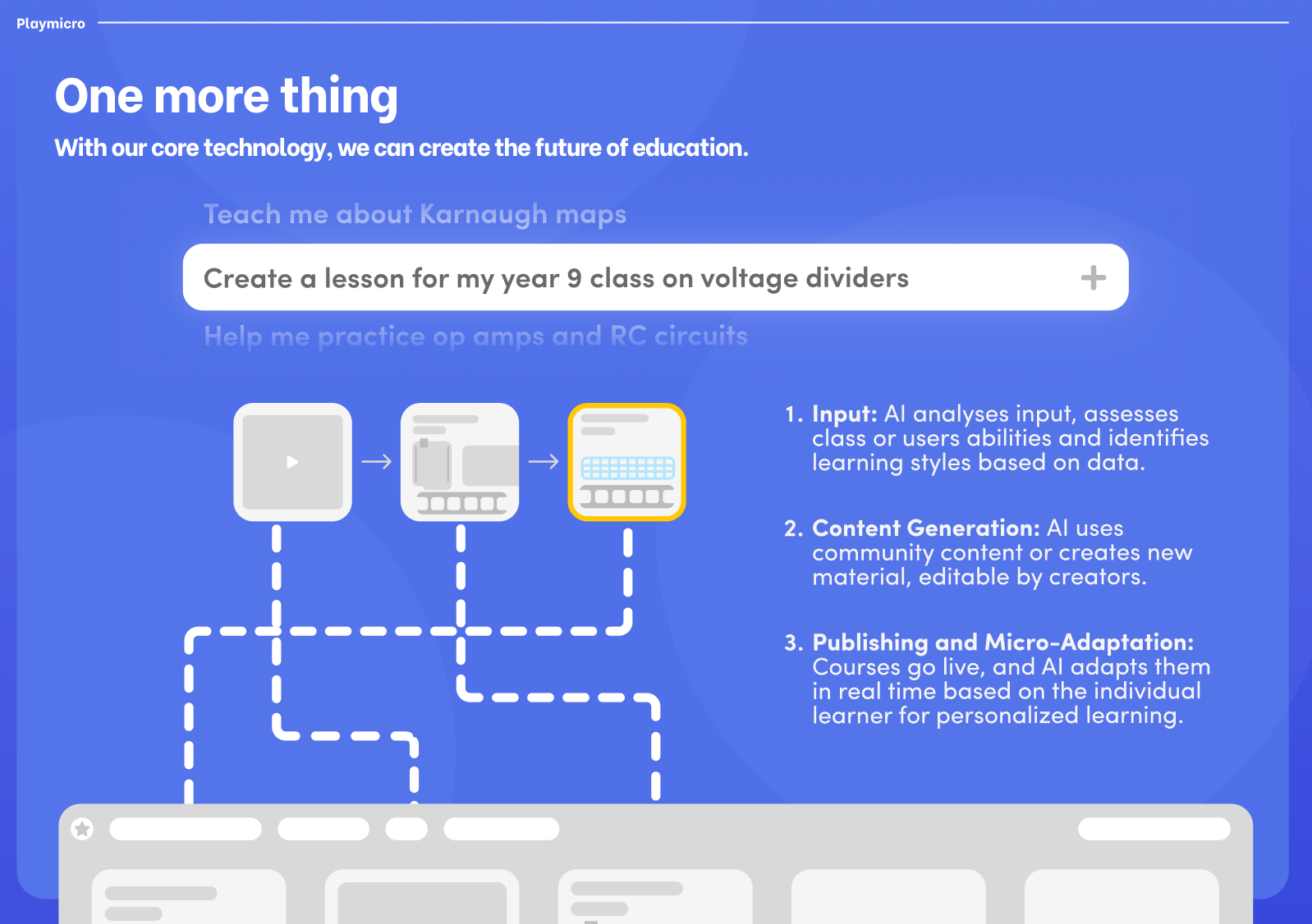
I explored integrating AI into the learning system to transform traditional lessons into a more adaptive experience. The aim was to streamline learning by automatically assessing answers and providing tailored guidance when users struggled. I also extended this concept to the course builder, allowing creators to generate lesson variations from a simple prompt, making the process of developing and adapting courses faster and more efficient.

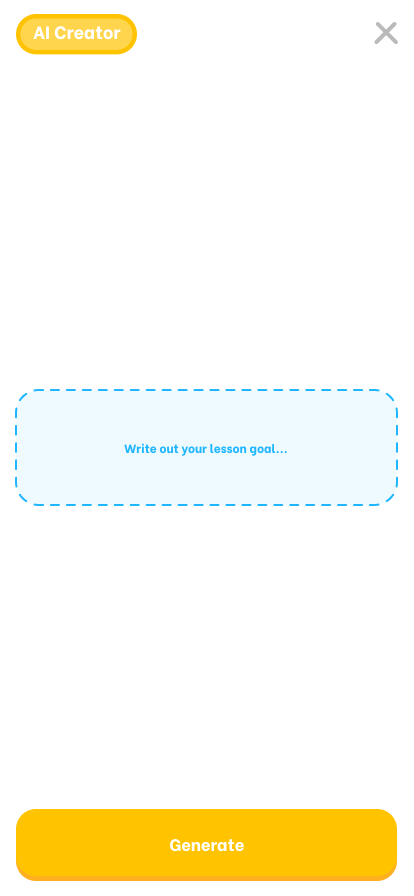
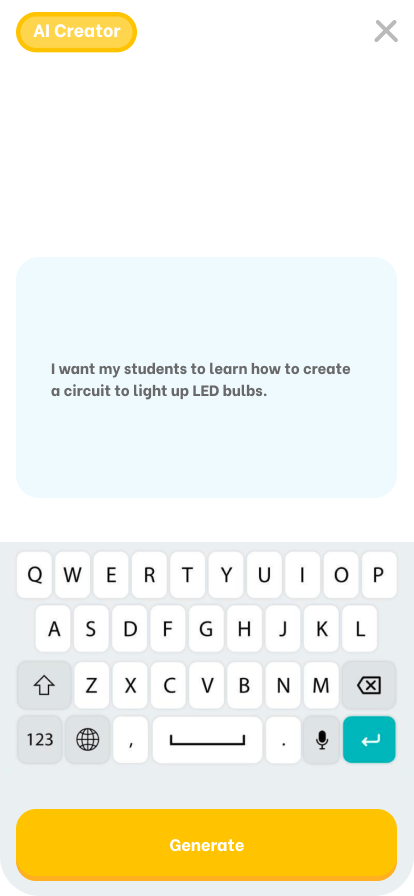
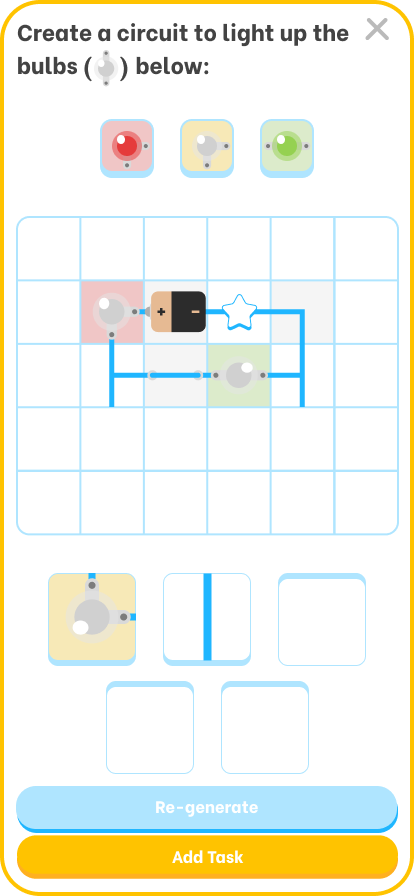
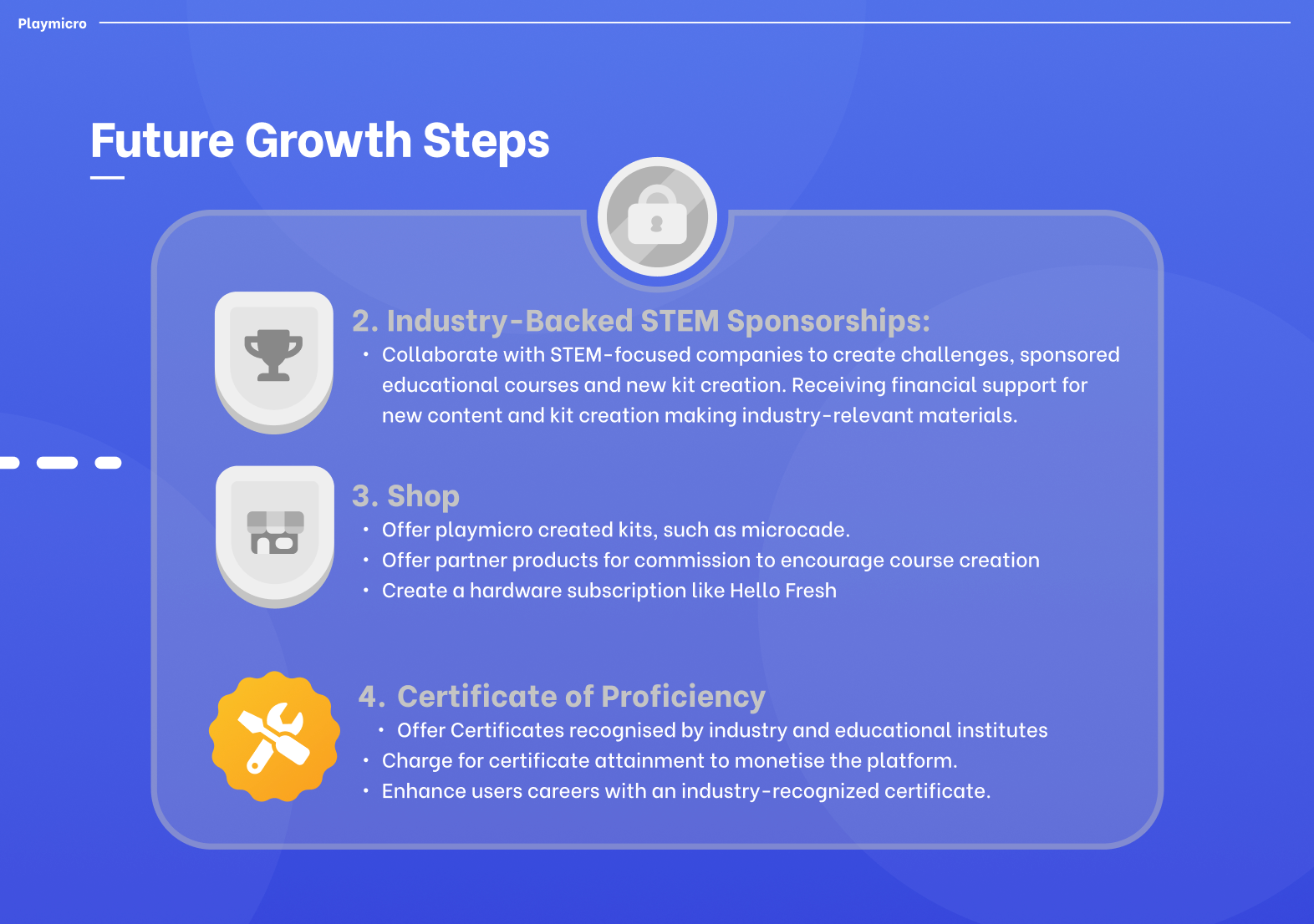
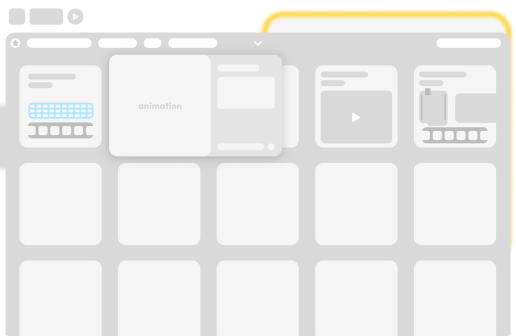
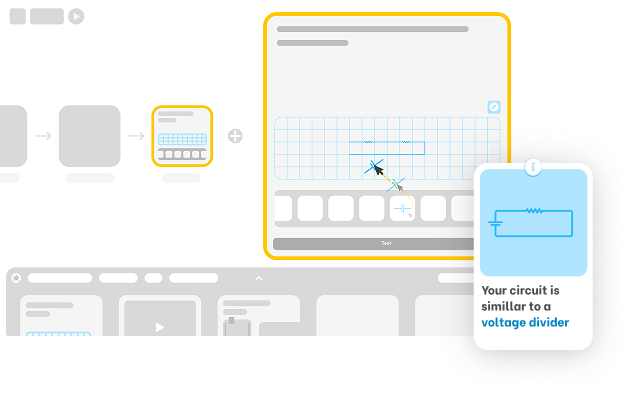
The course builder allows users to create and customise courses by dragging and dropping pre-made exercises, assets, and guides. Creators can tailor activities to their specific requirements, receive predictive suggestions to support course development, and share their courses with the wider community. Educators can also create classes and assign courses as tasks or homework for their students.
Illustrations & Character Design
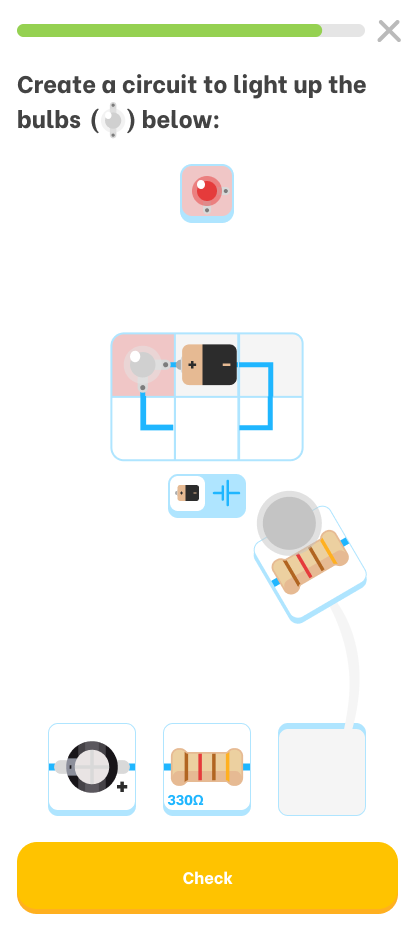
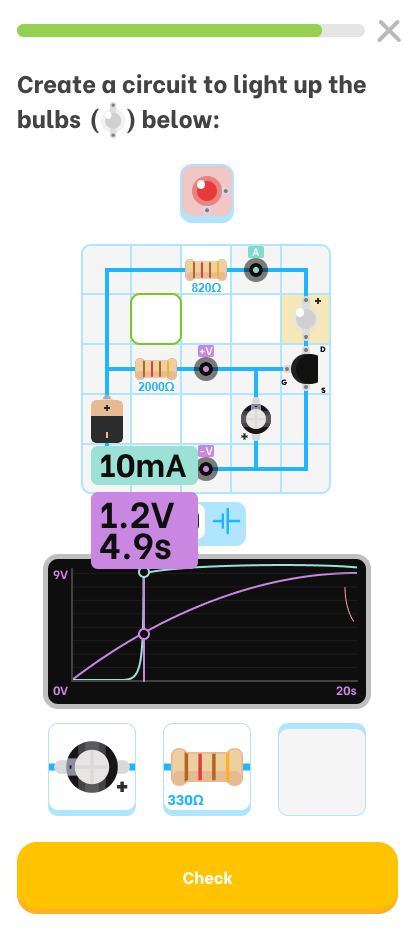
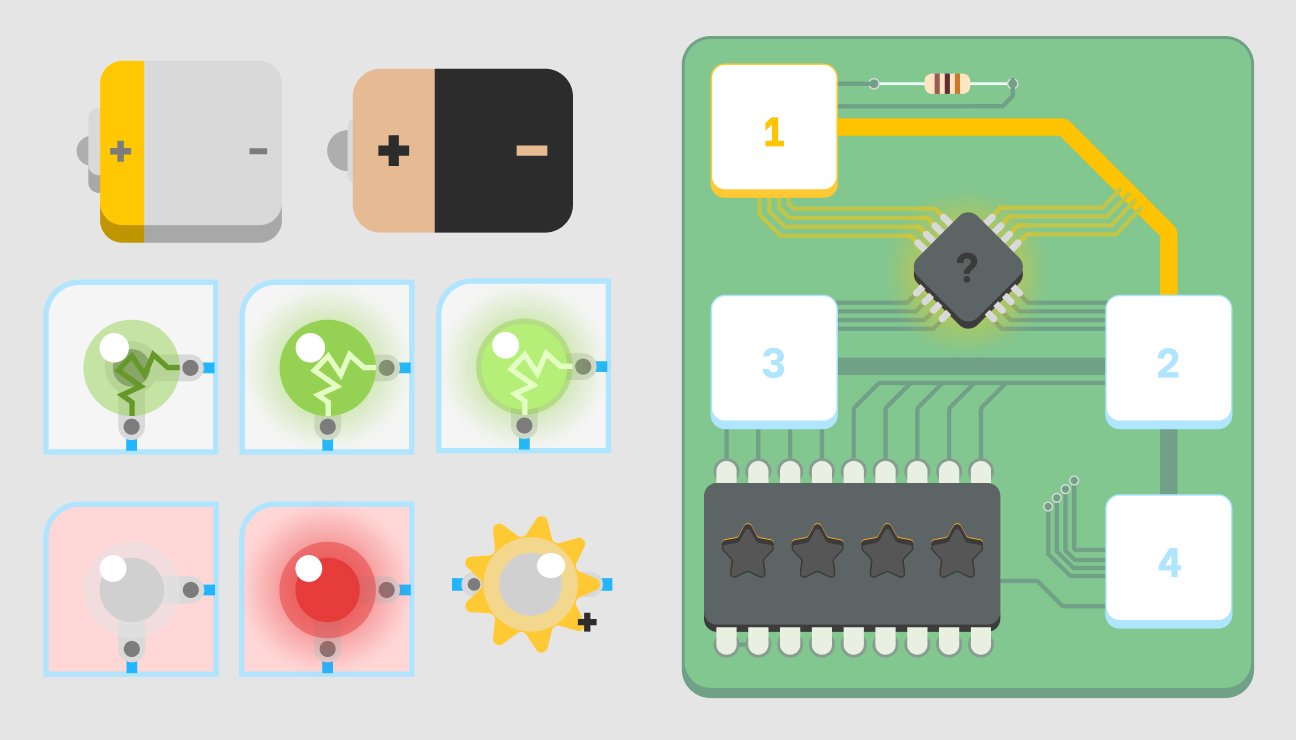
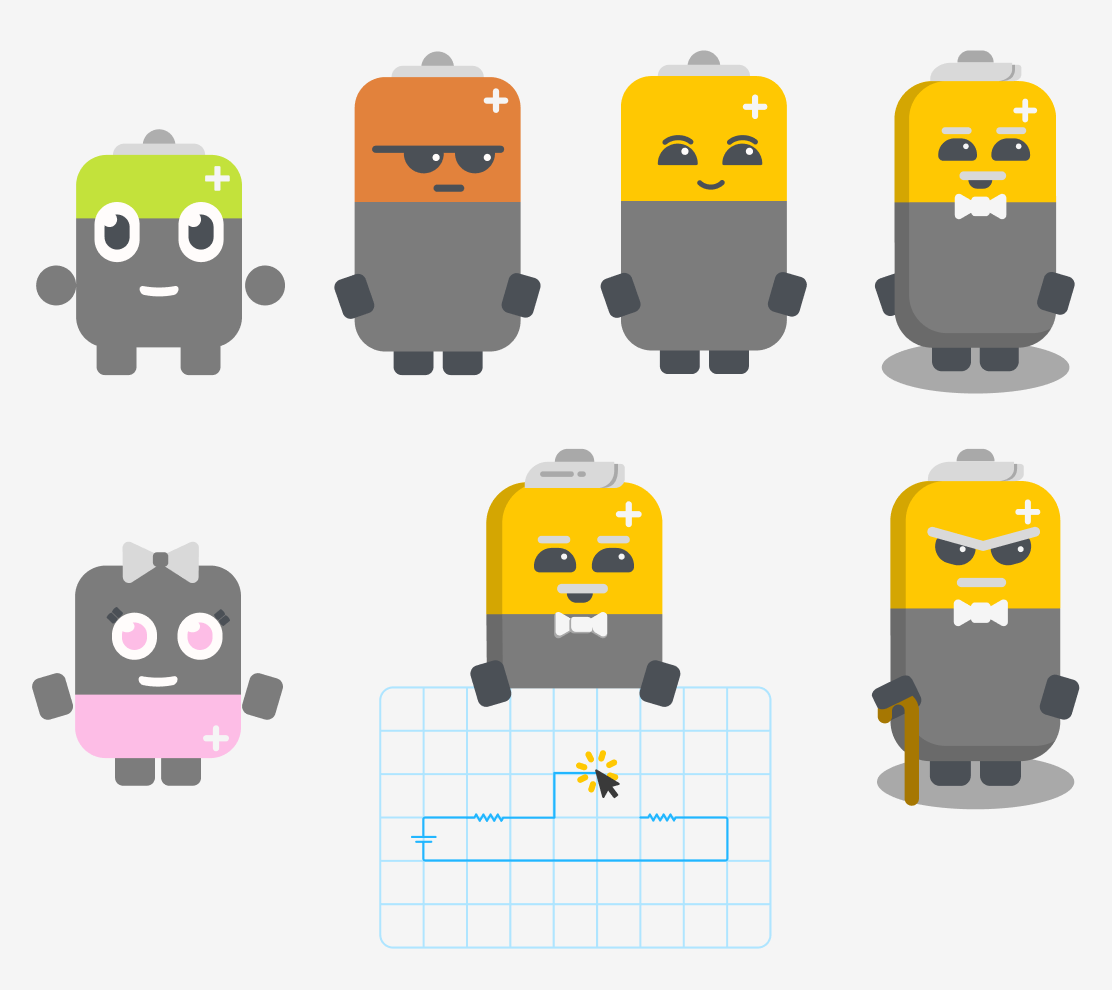
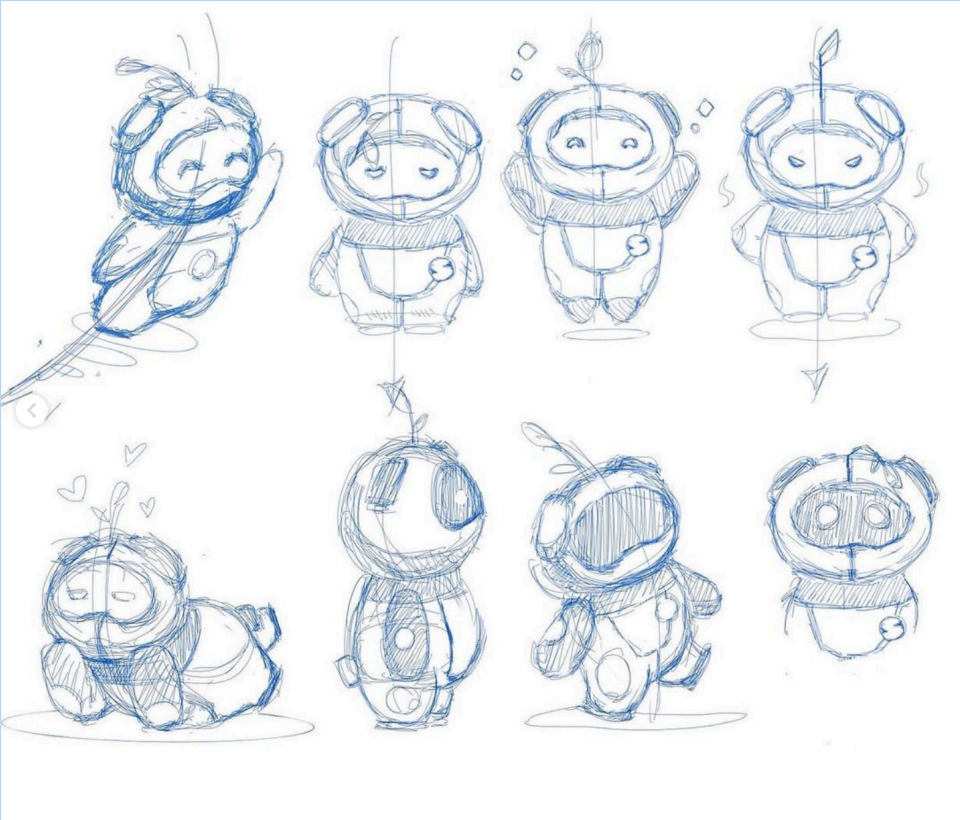
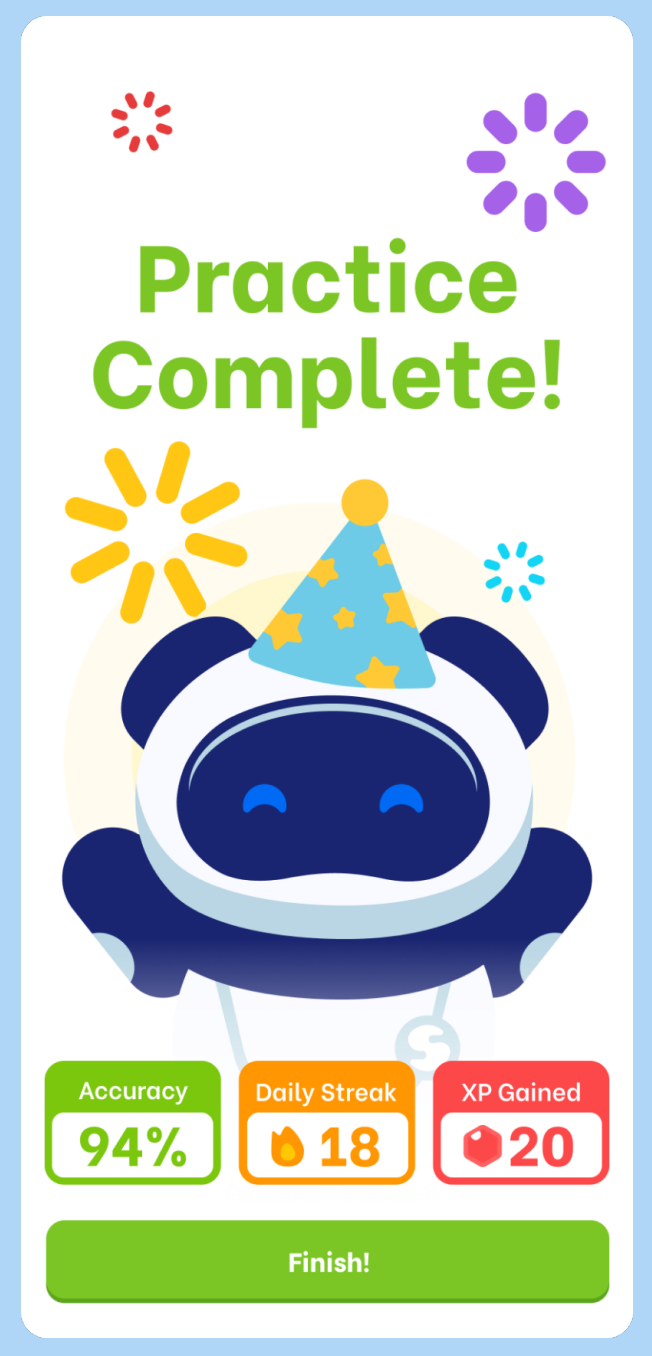
I designed a mascot for the platform, drawing on the idea of teaching as planting a seed and nurturing growth, while incorporating a robot to reinforce the STEM focus. I explored several visual styles before settling on a simple, flat aesthetic with subtle shadows to introduce a slight 3D effect. I limited each character to two or three colours to maintain visual consistency and clarity. I also designed supporting electrical components, including LEDs, batteries and circuit boards, adapting them to the same visual language while retaining their recognisable forms.


High Fidelity Mock-ups
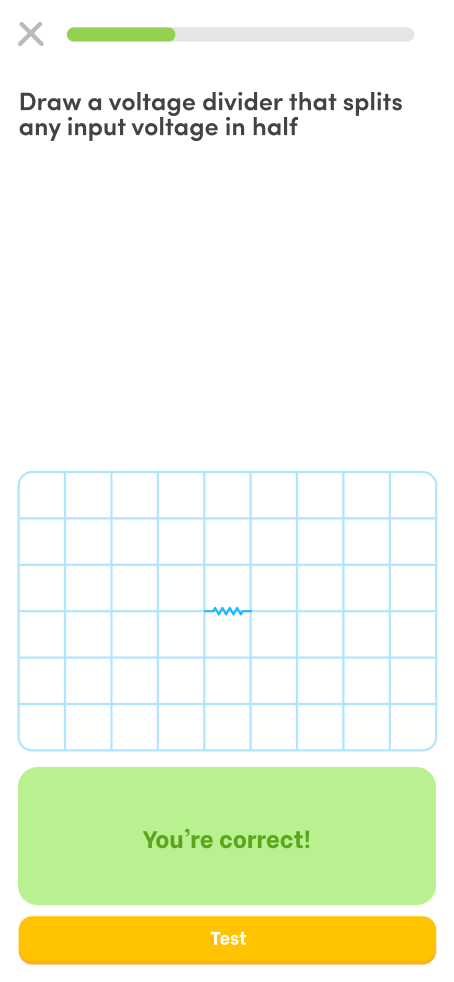
I designed the platform for both mobile and web, maintaining a consistent visual language across both formats while adapting the experience to different user needs. Web was prioritised for more complex tasks such as creating and building lessons, while mobile was designed around quick daily interactions, making it easier for users to log in, complete activities, and maintain their learning streaks.